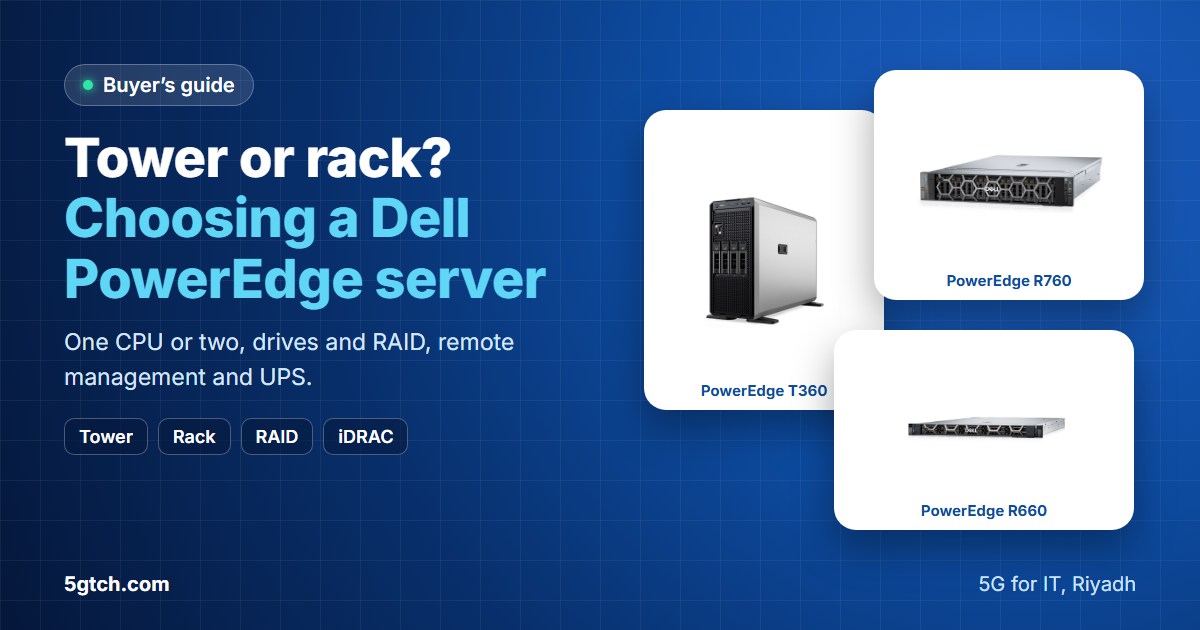
Tower or Rack? How to Choose a Dell PowerEdge Server in Saudi Arabia
with the diagram image.
–>
Quick answer: With no rack or server room, choose a tower server such as the Dell PowerEdge T160 or T360; with a rack, choose a rack server such as the R360, R660 or R760. One processor is enough for most small and medium businesses. Always use several drives with RAID, enable iDRAC remote management, and protect the server with a UPS and an off-server backup.
The server is the heart of the company: it runs accounting, shared files, email and sometimes CCTV. When it stops, work stops. So before asking about price, ask: where will it sit, what will run on it, and how much will it grow over the next few years? This guide explains how to choose the right Dell PowerEdge server for your business in Saudi Arabia.
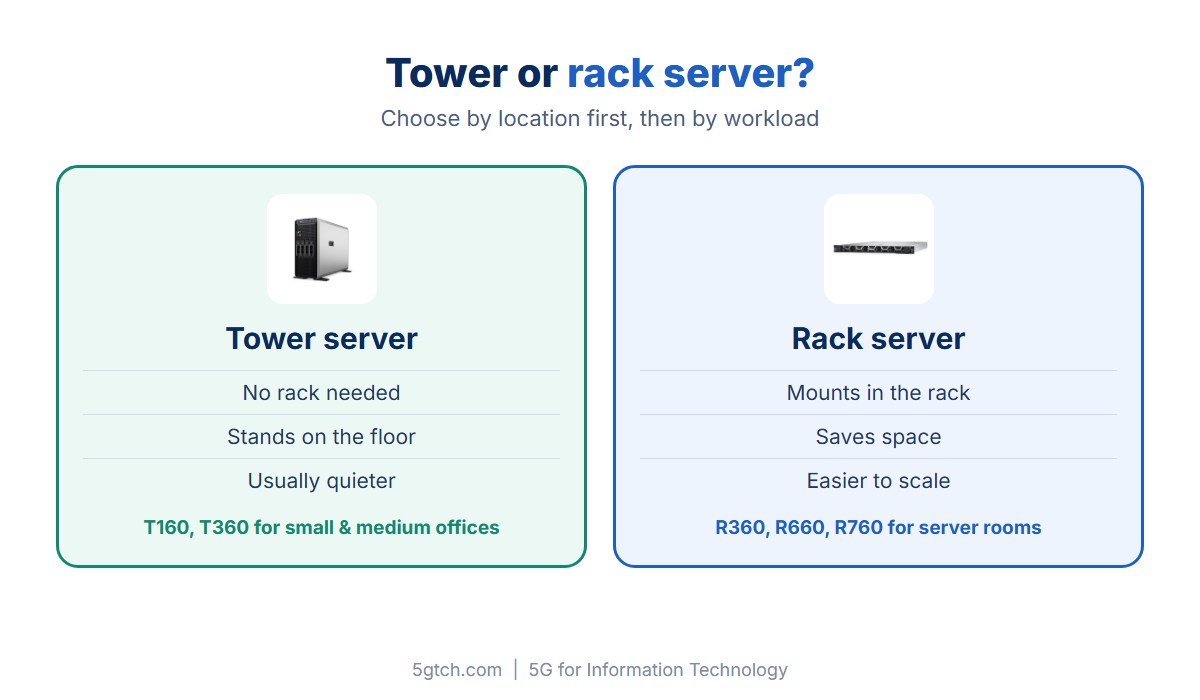
1. Tower or rack? Start with the location
| Type | When to choose it | Examples |
|---|---|---|
| Tower server | A small or medium office with no server room or rack. It stands on the floor like a PC and is usually quieter. | PowerEdge T160, T360 |
| Rack server | You have a network rack or server room, or plan more than one server. It mounts in the rack, saves space and keeps cabling tidy. | PowerEdge R360, R660, R760 |
2. One processor or two?
Most small and medium businesses are well served by a single-processor server for file sharing, accounting and a few virtual machines. If you will run many systems on one server, or a large database, choose a two-socket server with more memory.
- Dell PowerEdge T160: compact single-socket tower with DDR5 ECC memory, for small offices.
- Dell PowerEdge T360: single-socket tower with up to 8 hot-plug drives and PERC 11 RAID.
- Dell PowerEdge R360: 1U single-socket rack server with a redundant power supply option.
- Dell PowerEdge R660: 1U two-socket rack server with Intel Xeon Scalable processors and up to 10 front drives.
- Dell PowerEdge R760: 2U two-socket rack server with up to 24 × 2.5″ drives for heavy workloads.
3. Drives: capacity is not enough
Never rely on a single drive, however large. Use several drives with RAID so the server keeps running if one fails:
- RAID 1: two drives that mirror each other. Simple and right for small servers.
- RAID 5: three or more drives; survives one drive failure with more usable capacity.
- RAID 10: four or more drives; combines speed and protection, good for databases.
Use SSDs for operating systems and databases that need speed, and hard drives for archives and backups. And remember: RAID is not a backup. Keep a copy somewhere else.
4. Remote management
PowerEdge servers include iDRAC, a separate management port that lets your support team power the server on or off, check its health and receive drive and fan alerts remotely, even if the operating system is down. Enable it and connect it to your management network from day one.
5. Protect the server from power cuts
A sudden power cut can corrupt data or damage drives. Connect the server to a UPS sized for its load, ideally an online UPS for servers, with automatic safe shutdown on long outages. See also our guide to choosing a UPS.
Common mistakes to avoid
- Buying a server with one drive or no RAID.
- Placing it in a hot or closed space with no airflow.
- Running it without a UPS or an off-server backup.
- Sizing only for today, with no room to add memory and drives later.
FAQ
Do I need a server, or is a storage device enough?
If you only share files, a network storage device may be enough. If you run software such as accounting, databases or virtual machines, a server is the right choice.
Do you prepare the server before delivery?
Yes. We install the drives, set up RAID, install the operating system and enable remote management, then install the server on site and connect it to the network and UPS.
How much does a Dell server cost in Saudi Arabia?
It depends on the model, processor, memory and the number and type of drives, so we quote to your requirements.
Dell servers from an authorized Dell partner
5G for Information Technology, an authorized Dell Technologies partner, supplies, configures and installs Dell PowerEdge servers, together with racks, cabling and UPS. We are based in Al Olaya, Riyadh, and serve Jeddah, Dammam and other cities across Saudi Arabia. Browse Dell PowerEdge servers, see our data center services, or contact us for a quote.