Office Wi-Fi in Saudi Arabia: How to Choose Access Points
with the diagram image.
–>
Quick answer: Use ceiling-mounted business access points, not home routers. Wi-Fi 6 suits most offices today; choose Wi-Fi 6E or Wi-Fi 7 for busy areas and new buildings. Plan by the number of users and rooms, not only floor area, power the access points with PoE switches, use a separate guest network, and pick one management style: an app (HPE Aruba Instant On, Huawei eKit), your firewall (Fortinet FortiAP) or a controller (Cisco).
Slow or patchy Wi-Fi is one of the most common complaints in offices. The fix is rarely “a stronger router”: it is the right number of business access points, in the right places, with the right cabling and management. This guide explains how to choose Wi-Fi for offices, clinics, hotels and warehouses in Riyadh and across Saudi Arabia.
1. Wi-Fi 6, 6E or 7?
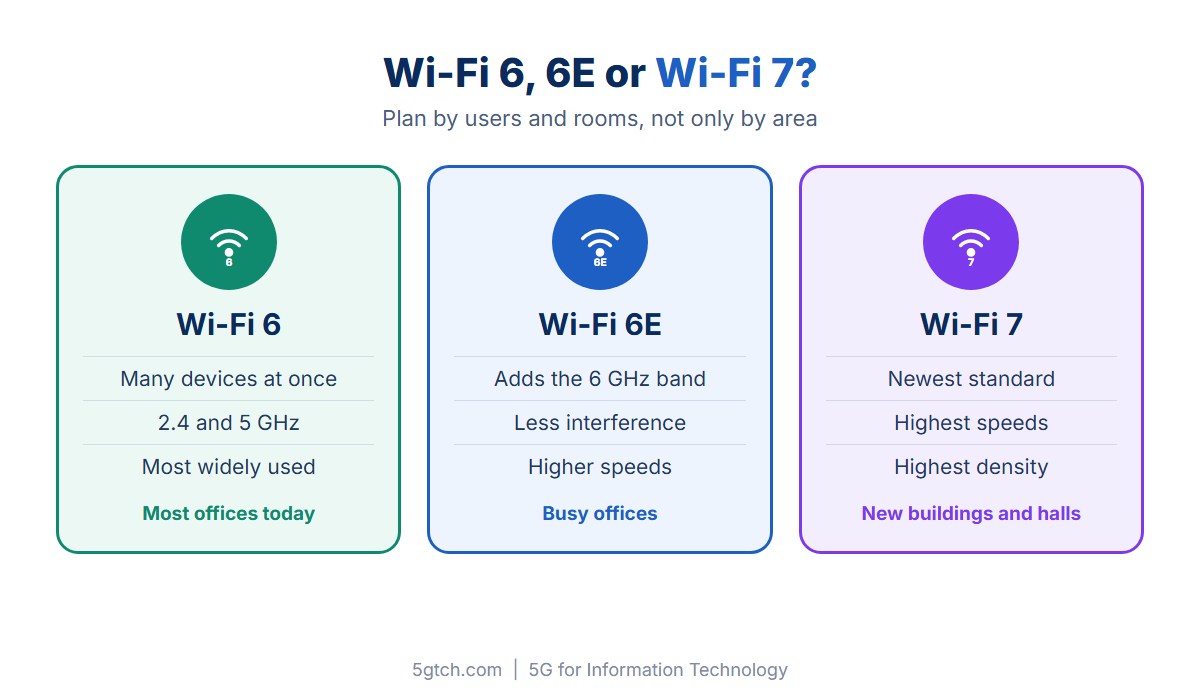
| Standard | What it gives you | Best for |
|---|---|---|
| Wi-Fi 6 | Handles many devices efficiently on 2.4 and 5 GHz. | Most offices, clinics and shops today. |
| Wi-Fi 6E | Adds the 6 GHz band, with less interference. | Busy offices and buildings with many neighbouring networks. |
| Wi-Fi 7 | The newest standard, for the highest speeds and density. | New buildings, meeting halls and high-demand areas. |
2. Plan by users and rooms, not only by area
Walls, glass, metal shelving and the number of people all change how far Wi-Fi reaches. A meeting room for 30 people needs more capacity than a corridor of the same size. That is why every project should start with a site survey and a plan that shows where each access point goes. Mount access points on the ceiling, in the middle of the area they serve, not inside cabinets.
3. Choose the management style
- App or cloud management, simple: HPE Networking Instant On AP22 (Wi-Fi 6, 2×2, built-in mesh, free app) or the more powerful Instant On AP25 (Wi-Fi 6, 4×4, 2.5G uplink); Huawei eKitEngine AP362 (Wi-Fi 6, up to 256 users, cloud-managed).
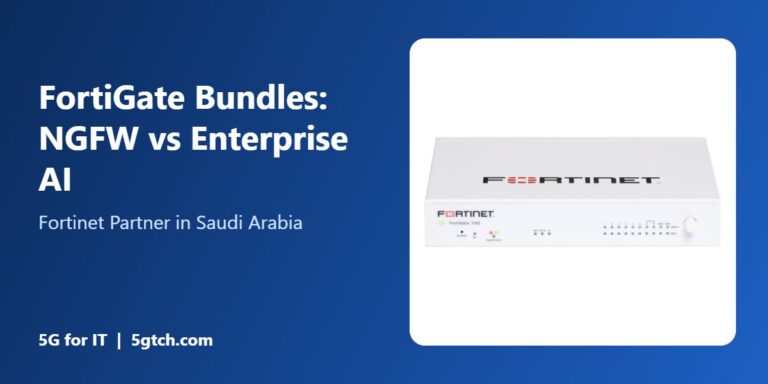
- Managed from your firewall: Fortinet FortiAP access points are managed from the FortiGate, such as the FortiAP 231K (Wi-Fi 7) and the FortiAP 441K (Wi-Fi 7, 10 Gigabit uplink).
- Enterprise networks: Cisco Catalyst 9100 Wi-Fi 6 access points for campuses, hotels and hospitals.
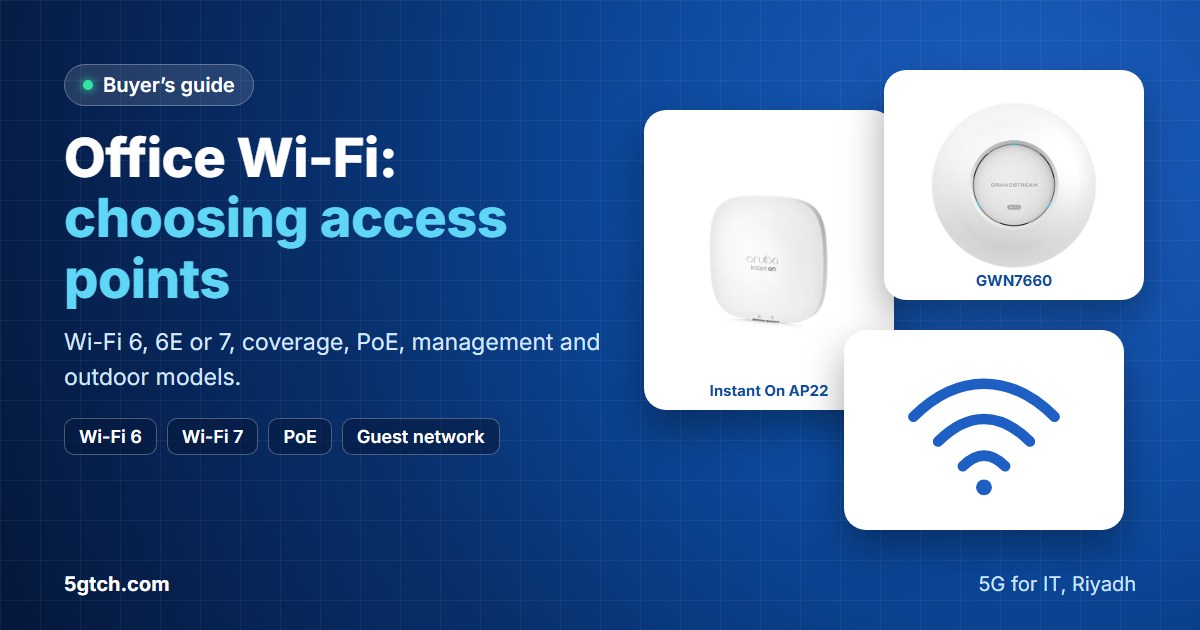
- Built-in controller: Grandstream GWN7660 (Wi-Fi 6, embedded controller for up to 50 access points).
4. Outdoor areas and warehouses
Yards, car parks and warehouses need rugged outdoor models rated against dust and water, such as the Instant On AP17 (IP55) or the FortiAP 432G (Wi-Fi 6E, ruggedized).
5. Cabling, PoE and security
- Connect every access point with a cable; do not rely on wireless links between them unless there is no other option.
- Use PoE switches with enough power budget for all access points.
- Create a separate guest network so visitors cannot reach company devices.
- Use WPA3 where devices support it, and change default passwords.
Common mistakes to avoid
- Adding home routers or range extenders instead of business access points.
- Mixing brands and management systems in one office.
- Placing access points inside cabinets or above metal ceilings.
- No guest network: visitors share the same network as company devices.
FAQ
How many access points does my office need?
It depends on the number of users, rooms, walls and the building materials. We confirm the number after a site survey and a coverage plan.
Can I manage the Wi-Fi from my phone?
Yes. HPE Aruba Instant On and Huawei eKit access points are managed from a free mobile app, and FortiAP access points are managed from your FortiGate firewall.
Do I need Wi-Fi 7 now?
Not for most offices. Wi-Fi 6 covers typical needs today; Wi-Fi 6E or 7 makes sense for new buildings, busy halls and areas with many devices.
Office Wi-Fi with 5G for IT
5G for Information Technology designs, supplies and installs business Wi-Fi with HPE Aruba, Huawei, Fortinet, Cisco and Grandstream, together with the cabling and PoE switches. We are based in Al Olaya, Riyadh, and serve Jeddah, Dammam and all of Saudi Arabia. Contact us for a site survey and quote.