
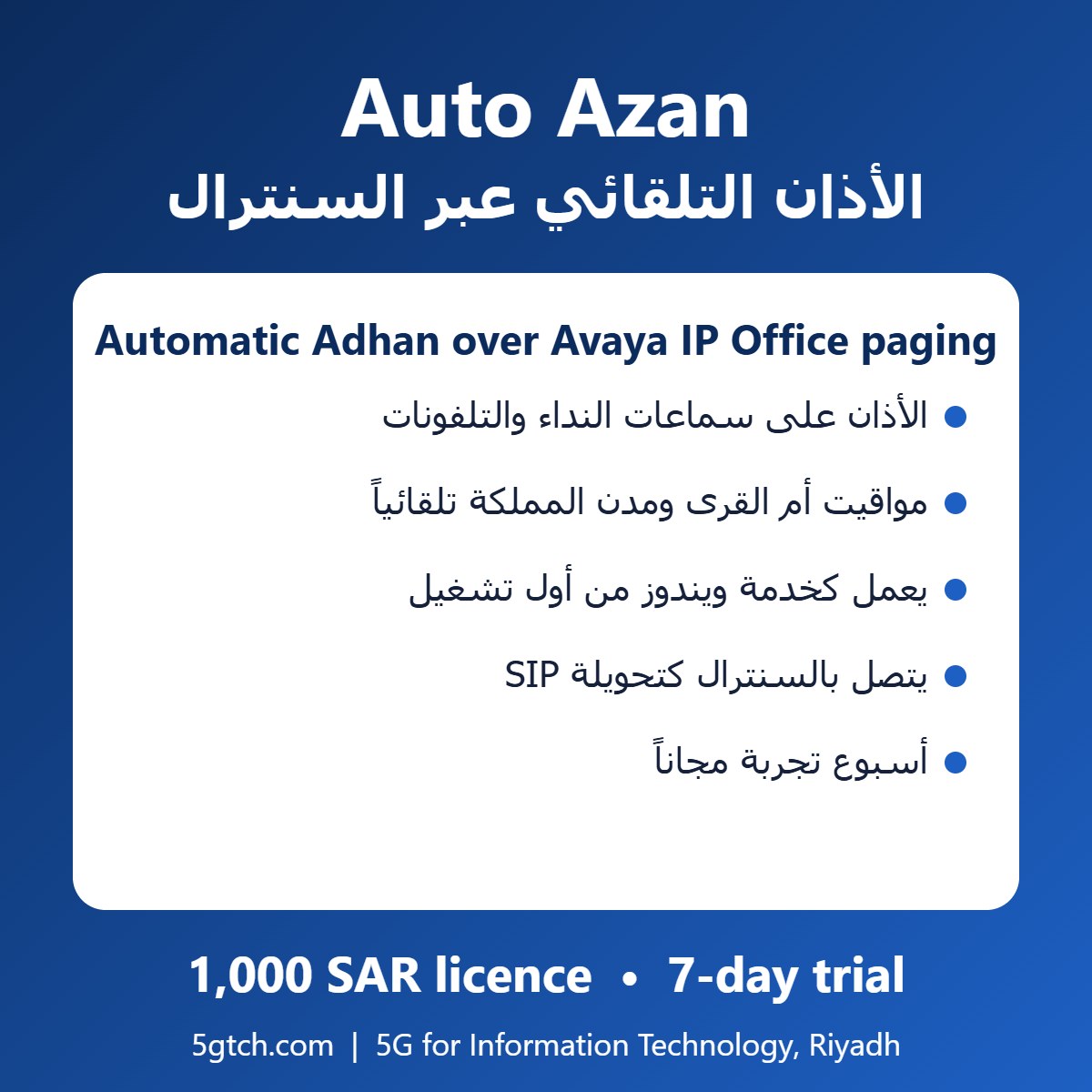
Auto Azan (الأذان التلقائي) plays the Adhan automatically at every prayer time over the phones and speakers connected to your Avaya IP Office paging group. Nobody has to remember to press a button: it runs on a Windows PC as a system service from the moment the PC starts.
Features
- Prayer times calculated automatically: Umm Al-Qura method for Saudi cities, or automatic by country
- Umm Al-Qura Ramadan rule for Isha applied automatically
- Connects to IP Office as a SIP extension and calls your paging number (hunt group of phones and speakers)
- Runs as a Windows system service: starts with the PC even when nobody is logged in and restarts itself within a minute if stopped
- Closing the window does not stop the Adhan
- Status shows whether the phone system registration is working, with the reason if not
- Your own Adhan audio files (WAV); test button to play it now
- Logs kept on the PC
What you need
- Avaya IP Office with SIP registrar enabled and a 3rd Party IP Endpoint licence for one SIP extension
- A paging group (phones or speakers) and a short code for paging
- A Windows PC that stays on
We configure the IP Office side for you as part of the installation.
Price and trial
1,000 SAR licence (excluding VAT), with a 7-day trial first. Buy online or contact us.
Request a free demo: WhatsApp +966 50 199 6947, call 011 515 3250, email info@5gtch.com or use our contact form.
الأذان التلقائي بالعربي | All our software | Avaya partner in Riyadh